How Does TeraBox Work? Complete Guide
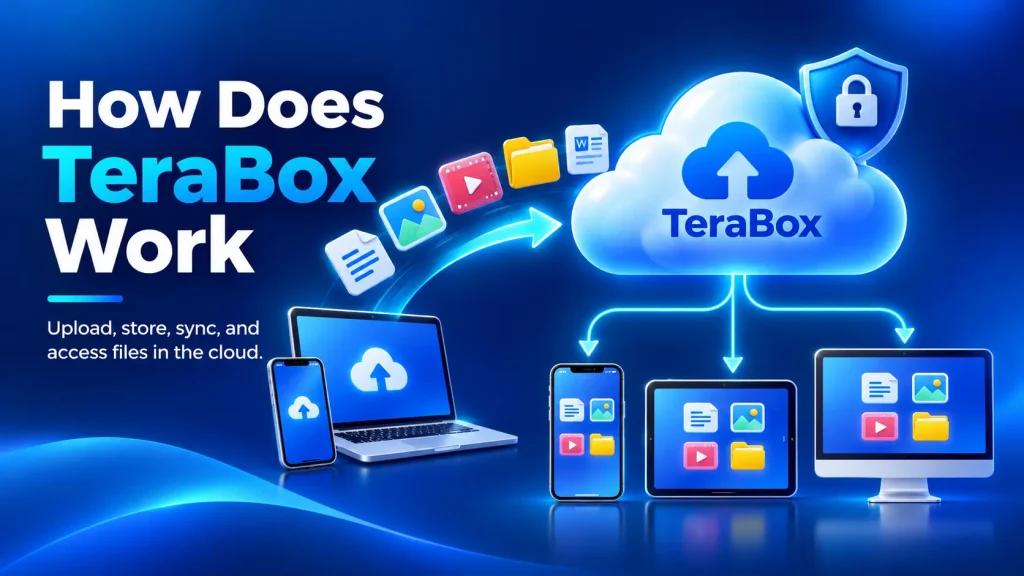
TeraBox works by giving you 1TB of free cloud storage that syncs across your phone, tablet, and computer. You sign up with a Google, Facebook, or Apple account, upload files through the app or browser, and access them from any device. The entire process takes under two minutes from download to your first upload.
This guide walks through exactly how TeraBox cloud storage works step by step, with separate instructions for Android, iPhone, and PC. You’ll also learn how to download files, what TeraBox is used for, and the upload and speed limits you should know before storing anything. If you want to know what TeraBox is and what features it offers, check our TeraBox Mod APK homepage. For a safety breakdown, read our Is TeraBox Safe guide.
How Does TeraBox Work Step by Step
TeraBox follows a simple download, sign up, upload workflow. Here are the six steps from zero to stored files:
Download TeraBox
- Get it from Google Play Store, Apple App Store, or terabox.com
- The app is free and under 50 MB
Sign Up for an Account
- Sign up with Google, Facebook, Apple ID, or phone number
- You get 1TB of free storage instantly after TeraBox sign up
Upload Your Files
- Tap the “+” button and select photos, videos, or documents
- Drag and drop files on the desktop or web version
Organize with Folders
- Create folders to sort your files by category
- Move, rename, or delete files anytime
Share Files with Links
- Generate a share link for any file or folder
- Set optional passwords and expiration dates on links
Access from Any Device
- Log in on phone, tablet, PC, or browser with the same account
- All files sync automatically across devices
That covers the core workflow. Every file you upload is stored on TeraBox’s cloud servers and accessible anywhere you log in. For a deeper look at what the TeraBox Premium subscription adds on top of this, check our full pricing breakdown.
What Is TeraBox Used For
TeraBox is used for backing up photos and videos, streaming media, sharing large files, and freeing up phone storage. It handles the same jobs as Google Drive or iCloud, but with 1TB free instead of 15GB. Here’s how people actually use it:
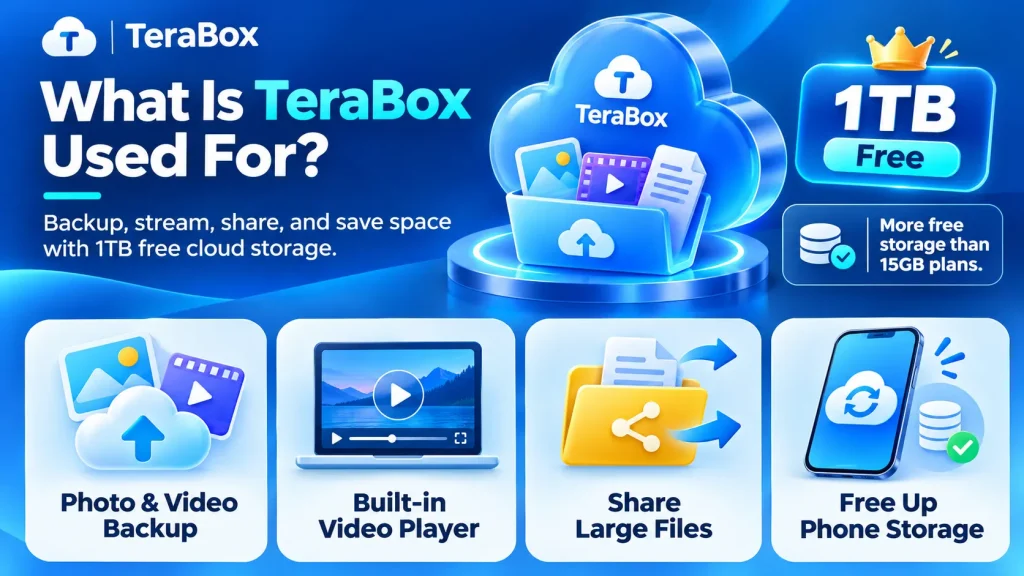
Photo and Video Backup
Most TeraBox users start with auto backup for their camera roll. Once enabled, every new photo and video uploads to TeraBox automatically. This protects your media if your phone breaks, gets stolen, or runs out of space. The free 1TB tier stores roughly 250,000 photos or 500 hours of HD video.
TeraBox Video Player and Streaming
TeraBox has a built-in video player that streams files directly from the cloud. You don’t need to download a video to watch it. The TeraBox video player supports MP4, MKV, AVI, and most common formats. It also handles subtitles (SRT files) if they’re in the same folder.
Streaming quality depends on your internet speed and whether you’re on a free or premium account. Free users may see buffering on files larger than 1-2GB because of the download speed limits. Premium users get smooth playback at full speed.
Large File Sharing
TeraBox lets you share files up to 128GB per file on premium (smaller on free) through password-protected links. You generate a share link, set an expiration date if you want, and send it through WhatsApp, Telegram, email, or any messenger. The recipient doesn’t need a TeraBox account to download.
Free Up Phone Storage
The most practical use of TeraBox is freeing up space on your phone. Upload photos, videos, and old files to TeraBox, then delete the local copies. Your files stay safe in the cloud, and you get gigabytes of phone storage back. This works on both Android and iPhone.
How to Use TeraBox on Android
The Android app is where most TeraBox users start. Here’s what to do after installing from Google Play Store:
The Android version also supports the TeraBox Mod APK, which removes ads and unlocks premium download speeds without a subscription. If ads are a problem for you, our guide on how to get rid of TeraBox ads covers five working methods.
How to Use TeraBox on iPhone
The iOS app works almost identically to Android. After downloading from the App Store:
One difference on iPhone: the Mod APK is not available for iOS since Apple doesn’t allow sideloading. iPhone users who want premium features need the official TeraBox Premium subscription at $3.99/month.
How to Use TeraBox on PC
TeraBox works on PC through the desktop app (Windows/macOS) or the web version at terabox.com. Both methods give you access to the same files:
The web version works best for quick access and light file management. The desktop app is better for large uploads and batch transfers. Our full TeraBox for PC guide covers the complete installation process.
How to Download Files from TeraBox
Downloading from TeraBox works two ways: grabbing your own files or downloading someone else’s shared link. Both methods take a few taps.
Download Your Own Files
- Open TeraBox and find the file you want
- Tap the three-dot menu (mobile) or right-click (PC)
- Select Download
- Choose a save location on your device
Download from a Shared Link
- Open the TeraBox share link in your browser
- Enter the password if the sender set one
- Click Download or Save to My TeraBox
- Log in or create an account if prompted
Free users face throttled TeraBox download speed of 1.5 to 6 MB/s. A 2GB file takes roughly 6 to 20 minutes on the free tier. Premium users get 15 to 20+ MB/s speeds, cutting that same download to under 2 minutes. If slow downloads are your main frustration, the Mod APK removes that limit on Android.
TeraBox Upload and Download Limits
TeraBox has specific limits on storage, file sizes, and transfer speeds. These limits differ between free and premium users. Here’s everything in one place:
| Limit | Free | Premium |
|---|---|---|
| Total Storage | 1 TB | 2 TB |
| Max File Size (Upload) | Limited | 128 GB per file |
| Download Speed | 1.5 – 6 MB/s | 15 – 20+ MB/s |
| Upload Speed | Standard | Priority upload |
| Daily Download Cap | No hard cap, speed-limited | No cap, full speed |
| Remote Upload | Not available | Upload via URL |
| Trash Recovery | 30 days | 60 days |
| Inactive Account Deletion | After 180 days | No deletion risk |
TeraBox Download Speed
Free users are throttled to 1.5 to 6 MB/s on downloads. That’s enough for small documents but painfully slow for videos or large archives. Premium users get 15 to 20+ MB/s, which matches most home internet speeds. The throttle is server-side, so a faster internet connection won’t help on the free tier.
TeraBox File Size and Upload Limit
The TeraBox file size limit on free accounts caps individual files at a lower threshold. Premium removes that cap and lets you upload files up to 128GB each. There’s no limit on the number of files you can upload as long as your total storage stays under 1TB (free) or 2TB (premium). TeraBox accepts all file types with no format restrictions.
TeraBox Remote Upload
TeraBox remote upload is a premium-only feature. It lets you paste a download URL directly into TeraBox, and the file downloads to your cloud storage without going through your device. This is useful for saving large files from the web when you’re on a slow connection or limited mobile data.
TeraBox Free vs Premium Pricing
TeraBox pricing is straightforward: free forever or $3.99/month for premium. Here’s what changes when you upgrade:
| Feature | Free | Premium ($3.99/mo) |
|---|---|---|
| Storage | 1 TB | 2 TB |
| Price | Free forever | $3.99/month |
| Max File Upload | Limited per file | Up to 128 GB per file |
| Ads | Frequent video + banner ads | No ads |
| Download Speed | Throttled (1.5-6 MB/s) | VIP (15-20+ MB/s) |
| Auto Backup | Manual only | Full auto backup |
| Trash Recovery | 30 days | 60 days |
For most users who store photos and share files occasionally, the TeraBox free storage of 1TB is more than enough. If you transfer large files daily or need faster speeds, TeraBox Premium is worth considering. You can also try the Mod APK to test premium features before paying.
How Does TeraBox Give Free Storage
TeraBox gives 1TB free because the storage itself isn’t the product. TeraBox makes money through three channels: in-app advertising (video and banner ads shown to free users), premium subscriptions at $3.99/month, and data analytics from user behavior.
The 1TB free tier is the hook that attracts users. TeraBox profits from the percentage that upgrade to premium to remove ads and speed limits, plus the ad revenue from everyone else. It’s the same model as Spotify or YouTube: free with ads, or pay to remove them. The storage costs TeraBox less than what ads and subscriptions bring in per user.
Key Takeaways
TeraBox gives you 1TB of free cloud storage that works across Android, iPhone, and PC. The signup takes under two minutes, uploading is straightforward, and file sharing works through simple links with optional passwords.
The main downsides are throttled download speeds, frequent ads, and no end-to-end encryption on the free plan. For casual storage needs, it’s the most generous free option available. For power users, the premium plan or the Mod APK removes those limitations.
Frequently Asked Questions
Does TeraBox work for games?
TeraBox can store game APK files and OBB data, but it can’t run games directly from the cloud. You’d download the game file from TeraBox to your device, then install it locally. It’s useful for backing up large game files you don’t want to re-download later.
Does TeraBox steal data?
TeraBox collects usage data and shows ads to free users, but there’s no confirmed evidence of data theft. It does request broad permissions on Android (storage, camera, contacts). For a full privacy breakdown, read our Is TeraBox Safe guide. Avoid storing sensitive financial or medical documents on any free cloud service.
Why is TeraBox not working?
Common fixes for TeraBox not working: check your internet connection, clear the app cache in Settings, update to the latest version from your app store, or try logging out and back in. If TeraBox is down server-side, wait 30 minutes and try again. VPN users should try disconnecting, as some TeraBox servers block VPN traffic.
Can I use TeraBox without downloading the app?
Yes. Visit terabox.com in any browser, sign in with your account, and you can upload, download, and manage files directly from the web. The desktop app offers faster transfer speeds and sync folder support.
Is 1TB of TeraBox storage really free forever?
The 1TB free tier has no trial period and no expiration date. However, if your account stays inactive for more than 180 days, TeraBox may delete your stored files according to their terms of service.
What file types can I upload to TeraBox?
TeraBox accepts all common file types including photos (JPG, PNG, WEBP), videos (MP4, MKV, AVI), documents (PDF, DOCX), archives (ZIP, RAR), and APK files. There’s no restriction on file formats.
How do I share files from TeraBox?
Tap the share icon on any file or folder to generate a download link. You can set a password and expiration date on the link before sharing it through WhatsApp, email, or any messaging app.
Can I use TeraBox in Telegram?
TeraBox doesn’t have an official Telegram integration. People share TeraBox download links in Telegram chats the same way they’d share any URL. The recipient opens the link in a browser to download or save the file. Some Telegram bots claim TeraBox integration, but those are third-party and not verified by TeraBox.
Final Thoughts
TeraBox is the simplest way to get 1TB of cloud storage without paying anything. The six-step process from download to uploaded files works identically whether you’re on Android, iPhone, or PC. The only real friction comes from ad interruptions and speed limits on the free tier.
If you want to remove those limits, check out the TeraBox Mod APK for the free route or TeraBox Premium for the official upgrade. Before storing anything sensitive, read our Is TeraBox Safe breakdown to understand the privacy trade-offs. And if you decide TeraBox isn’t for you, our guide on how to delete your TeraBox account walks through the removal process.